AI Predictive SSD and Hard Drive Diagnostics: How to Prevent Catastrophic Data Loss

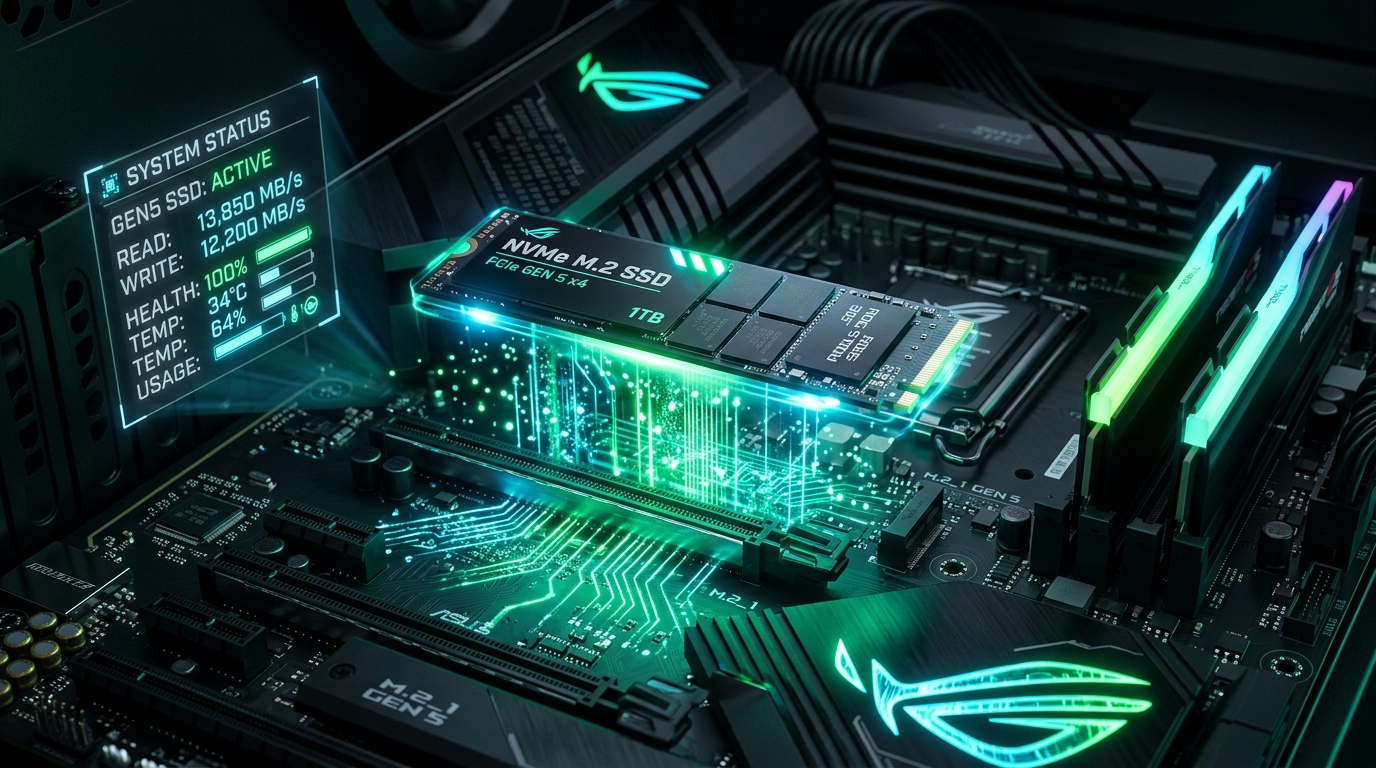
The sudden failure of a primary storage drive is one of the most catastrophic events for any individual or business. While older mechanical hard disk drives (HDDs) produced distinct acoustic grinding and clicking sounds before failing, modern NVMe and SATA SSDs fail in total silence. When a controller or NAND flash die degrades, an SSD can become permanently inaccessible from one millisecond to the next.
In 2026, AI-assisted predictive storage diagnostics are transforming how we safeguard critical data, identifying micro-anomalies weeks before catastrophic hardware failure.
1. The Blind Spots of Traditional S.M.A.R.T. Checks
For over twenty years, operating systems relied on S.M.A.R.T. (Self-Monitoring, Analysis and Reporting Technology). Conventional tools only notify users once a raw threshold is broken—such as when reallocated bad sectors or emergency temperature flags are triggered.
Independent hyperscale data center telemetry demonstrates that more than 30% of solid-state drives fail catastrophically without ever triggering a standard S.M.A.R.T. warning inside default OS monitoring utilities.
2. How Machine Learning Predicts Storage Crashes
Rather than observing single parameters in isolation, machine learning engines evaluate multi-variate telemetry streams in real time:
- I/O Read-Retry Latency Spikes: As flash cells degrade, the controller must re-read cells at modified reference voltages. While the user hasn't experienced a freeze yet, machine learning flags that average read latency rose from 40 microseconds to 1,200 microseconds.
- Anomalous Wear-Leveling Distribution: Wear-leveling algorithms distribute writes across NAND channels. If individual flash blocks exhibit divergent erase cycle speeds, AI flags premature firmware exhaustion.
- Thermal Differential Telemetry: Uncharacteristic temperature deltas between the controller silicon and the adjacent flash memory indicate thermal pad drying or structural solder deterioration.
3. Warning Signs You Can Check Today
- Brief 3–5 second freezes when opening File Explorer or writing large files.
- The operating system abruptly mounts the drive in Read-Only Mode.
- Recently modified documents become corrupt or throw integrity checksum errors.
- Windows Task Manager shows 100% Active Time on the drive while read/write speeds sit near 0 KB/s.
Instant Clean Diagnostics with PruPru
Our free PruPru.exe utility conducts lightweight native checks on storage volume health and repair routines without background bloat.
Download Free PruPru.exe →Frequently Asked Questions
Does an SSD give warning signs before dying?
Unlike HDDs, SSDs give zero sound cues. Warnings appear as logic anomalies: inexplicable system freezes, 100% active disk time in Task Manager, and blue screen errors like KERNEL_DATA_INPAGE_ERROR.
Should I run traditional disk defragmentation on an SSD?
Never. Defragmenting an SSD causes unnecessary write cycles that shorten NAND cell lifespan. Modern systems use the TRIM command to handle block garbage collection automatically.